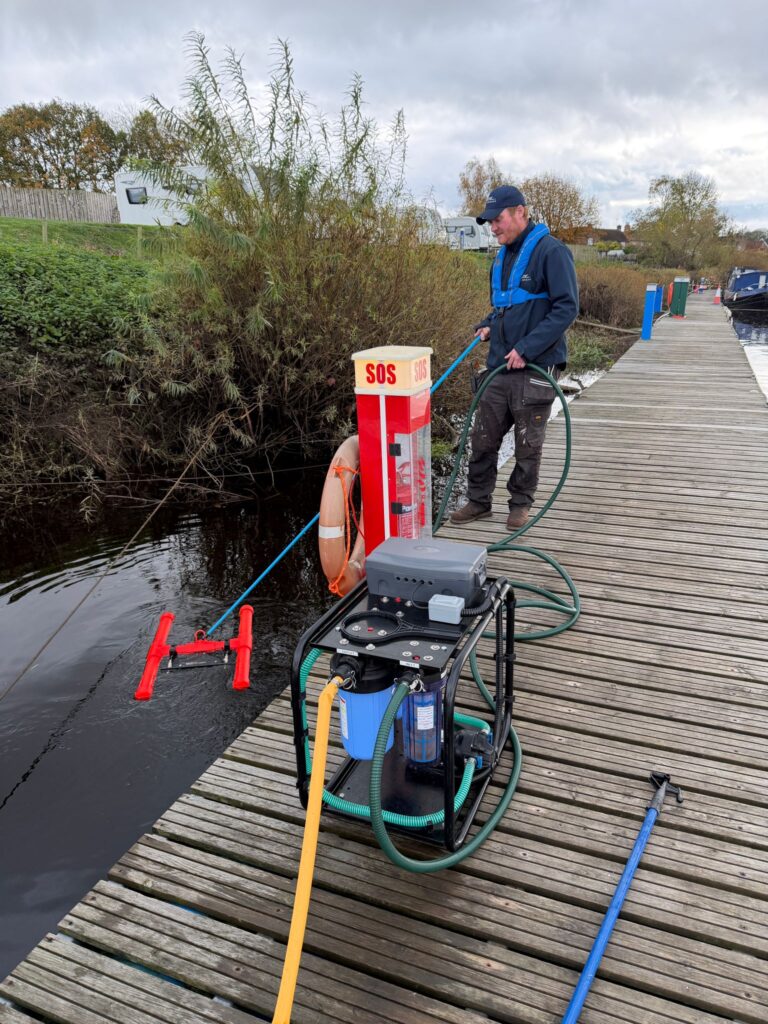

Bilge water can contain traces of oil, fuel and other contaminants that accumulate during everyday boat operation. When the bilge pump runs, these pollutants can be discharged overboard along with the water.
Installing a Wavestream (link to product) bilge filter helps capture oil and other contaminants before they enter the marine environment.
Wavestream (link) can be retro-fitted to all types of leisure and commercial craft, with a wide range of filter sizes.
This guide takes you through the simple installation process, from choosing a suitable mounting position to connecting the hoses, testing the system and maintaining the filter.
Before you start
First, check that you have the correct Wavestream (link) filter for your boat.
There are four main things to consider:
- Bilge pump flow rate and head: The filter must be suitable for the flow rate of your existing pump, which must produce at least 4 metres of head.
- Hose diameter: Check the size of your bilge hose and select the appropriate hose tails and adaptors.
- Available space: The filter needs to be installed vertically in a secure position.
- Maintenance access: Leave enough clearance beneath the housing to remove it when replacing the cartridge.
Tools and materials
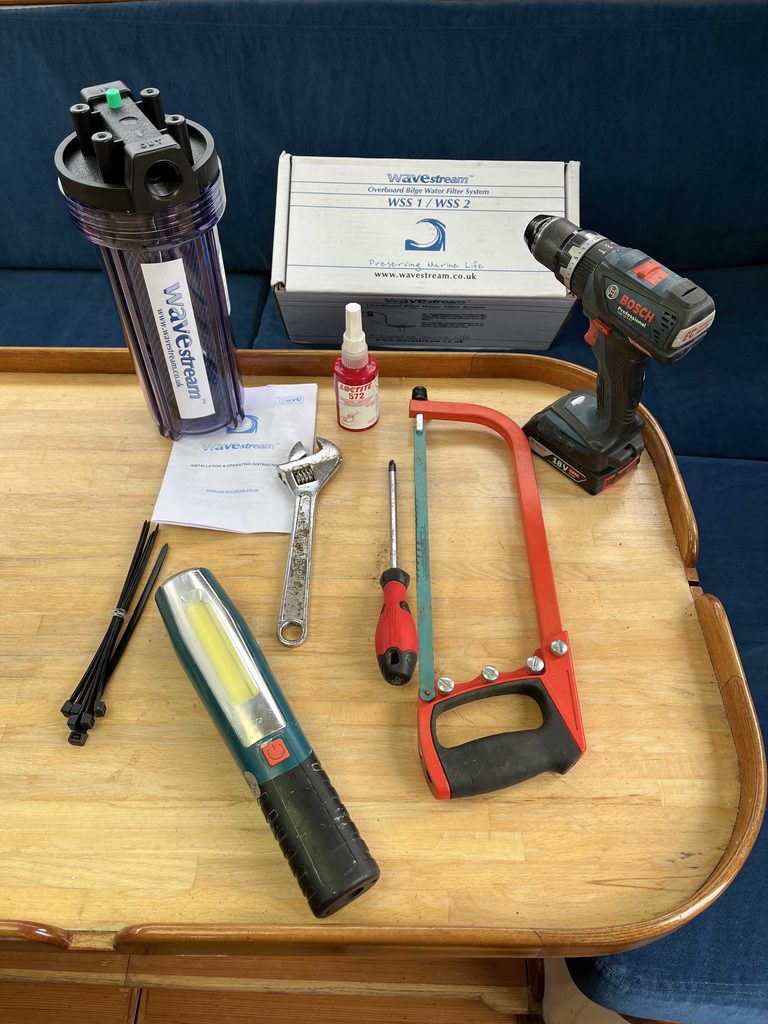
You’ll need:
- Wavestream (link) filter and mounting bracket
- Suitable hose tails and adaptors
- Four suitable stainless-steel jubilee clips (two for the inlet hose and two for the outlet hose)
- Thread sealing tape or suitable sealing compound
- Drill and screwdriver
- Spanner
- Hacksaw or hose-cutting knife
- Tape measure, pencil and torch
- Suitable fixings for the mounting surface
Step-by-step installation
Step 1. Choose your installation position
Wavestream (link) is installed in the bilge discharge line, after the bilge pump and before the overboard outlet.
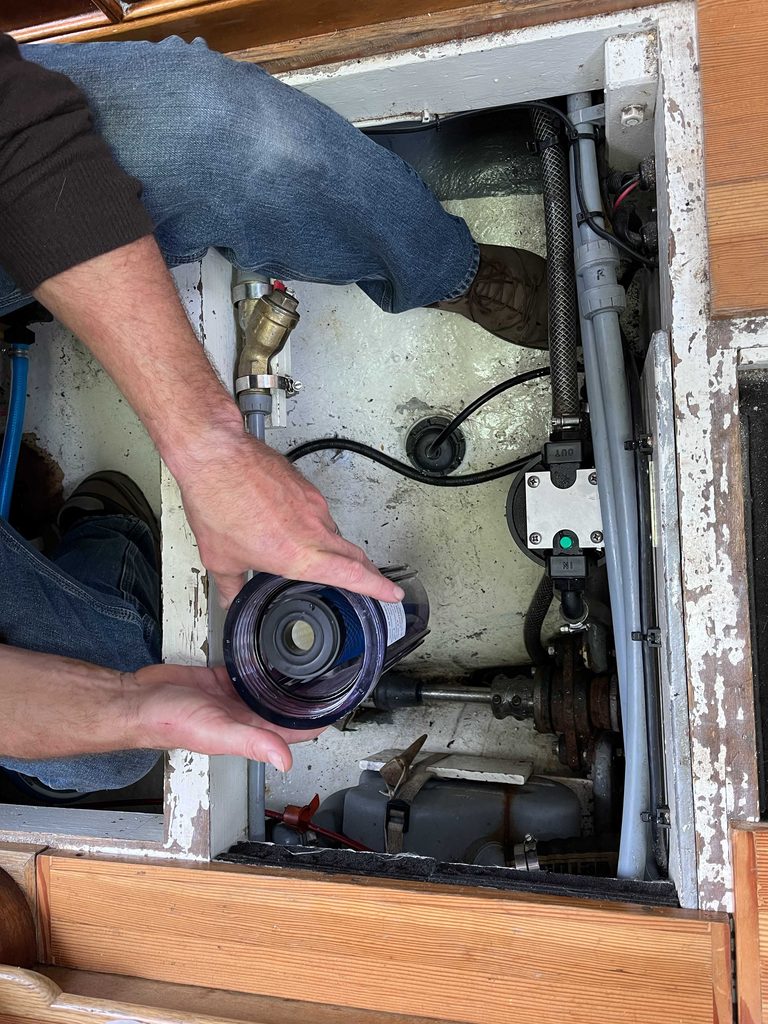
Find a suitable position where the filter can be mounted vertically and securely supported.
Check that the existing hose can reach the filter without excessive bends and that there is enough clearance beneath the housing for cartridge replacement.
Choose somewhere accessible for routine inspection and maintenance.
Step 2. Check the hose connections
Measure the internal diameter of your existing bilge hose and check the inlet and outlet connection sizes on your Wavestream (link) filter.
Select suitable hose tails and adaptors to connect the filter to the pipework.
Straight or angled connectors can be used depending on the space available and the existing hose arrangement.
Check the condition of the hose.
Any damaged or deteriorated sections should be replaced with a suitable bilge hose.
Step 3. Check the fit before drilling
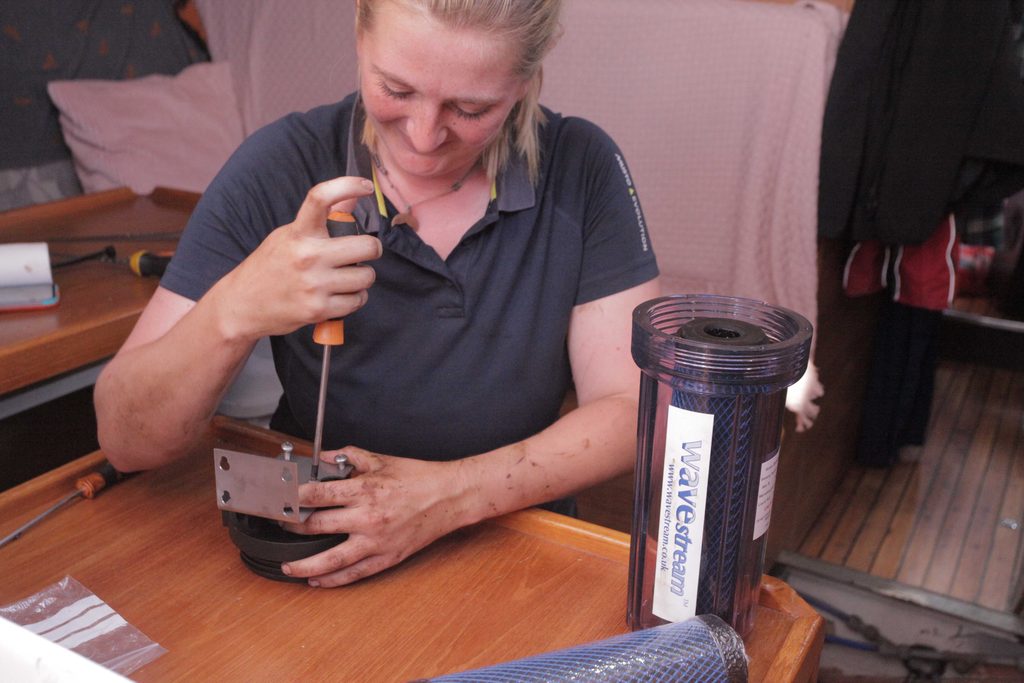
Temporarily attach the mounting bracket to the filter head.
Hold the assembly in the intended position and check that the hoses will connect without strain.
Make sure the filter can sit vertically and that the housing can be removed without disturbing the surrounding equipment.
Once you’re happy with the position, mark the mounting holes.
Step 4. Secure the mounting bracket
Remove the filter from the bracket and drill the mounting holes.
Secure the bracket using fixings appropriate for the mounting surface.
Check that it is firmly attached and can support the filter during normal vessel operation.
If the mounting surface is too thin or flexible, additional reinforcement may be needed.
Step 5. Fit the inlet and outlet connectors
Check the direction arrows on the Wavestream filter head to identify the water inlet and outlet.
Apply suitable thread sealing tape or compound to the connectors and fit them to the filter head.
Tighten the fittings carefully to create secure connections without damaging the threads.
Attach the filter head to the mounting bracket.
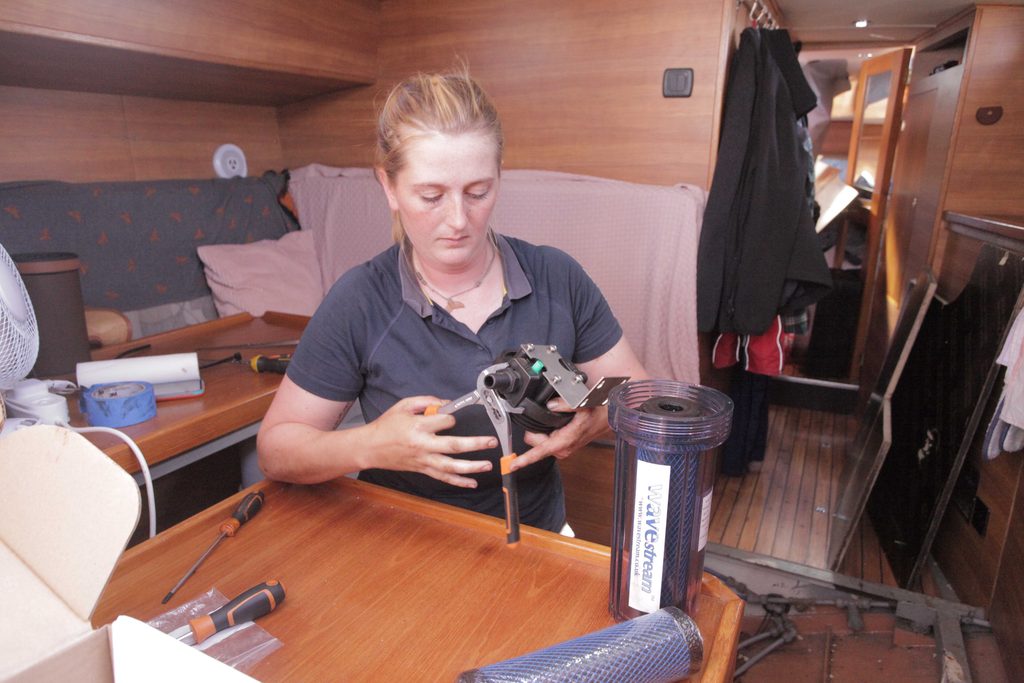
Step 6. Cut and connect the bilge hose
Switch off and isolate the bilge pumping system before cutting or disconnecting any pipework.
Measure and mark the section of hose to be removed.
Cut the hose cleanly, allowing sufficient length for both ends to reach the filter connections without stretching or kinking.
Push each hose fully onto its connector and secure with two suitable jubilee clips on each of the inlet and outlet hoses.
Check that the hose is properly seated and that all connections are secure.
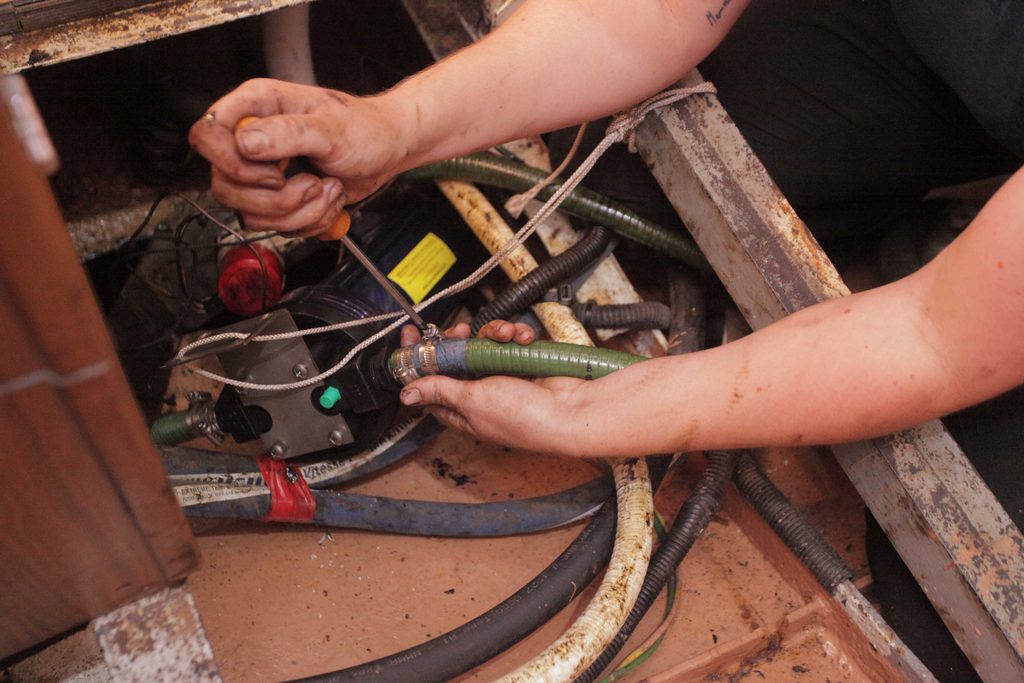
Step 7. Check the cartridge and housing
Before fitting the housing, check that the filter cartridge is correctly positioned.
Inspect the sealing O-ring to make sure it is clean, undamaged and seated correctly.
Lubricate the O-ring before reassembling the filter.
Fit the housing to the filter head, taking care not to dislodge the seal.
Step 8. Prime and bleed the filter
With the filter securely mounted and all hose connections completed, the next step is to remove any trapped air.
The Wavestream (link) filter has an air-release button on top of the filter head.
Operate the bilge pump with sufficient water available and use the air-release button to expel trapped air from the filter.
Check that the filter fills correctly and that water is flowing through the system.
Step 9. Test the completed installation
Run the bilge pump and inspect the filter housing and hose connections for leaks. Check that water passes through the filter and is discharged through the existing overboard outlet.
Confirm that the pump operates correctly and that the installation has not restricted the vessel’s required bilge pumping performance.
Make any necessary adjustments before returning the system to normal operation.
Maintaining your Wavestream filter
Wavestream (link) filters are designed for straightforward maintenance.
Inspect the housing and hose connections periodically for leaks or damage.
Make cartridge replacement part of your regular maintenance schedule and change the cartridge at least once a season.
When replacing the cartridge, check the condition of the housing and O-ring. Make sure the O-ring is lubricated before reassembling the filter.
It’s also important to keep the bilge itself as clean as possible. Address oil or fuel leaks promptly, maintain drip trays and remove spills rather than allowing contaminants to accumulate.
Filtration provides an additional layer of protection, but preventing pollution at source remains the priority.
Need help choosing or installing Wavestream?
Wavestream (link) systems are available in different sizes to suit a range of boats and bilge pumping arrangements.
Explore the Wavestream product range (link) for more information, or contact the Wave International team (link to Contact Us page) for advice on selecting the right system for your boat.
For more detailed information please see the Installation and Operating Instructions (link here)